
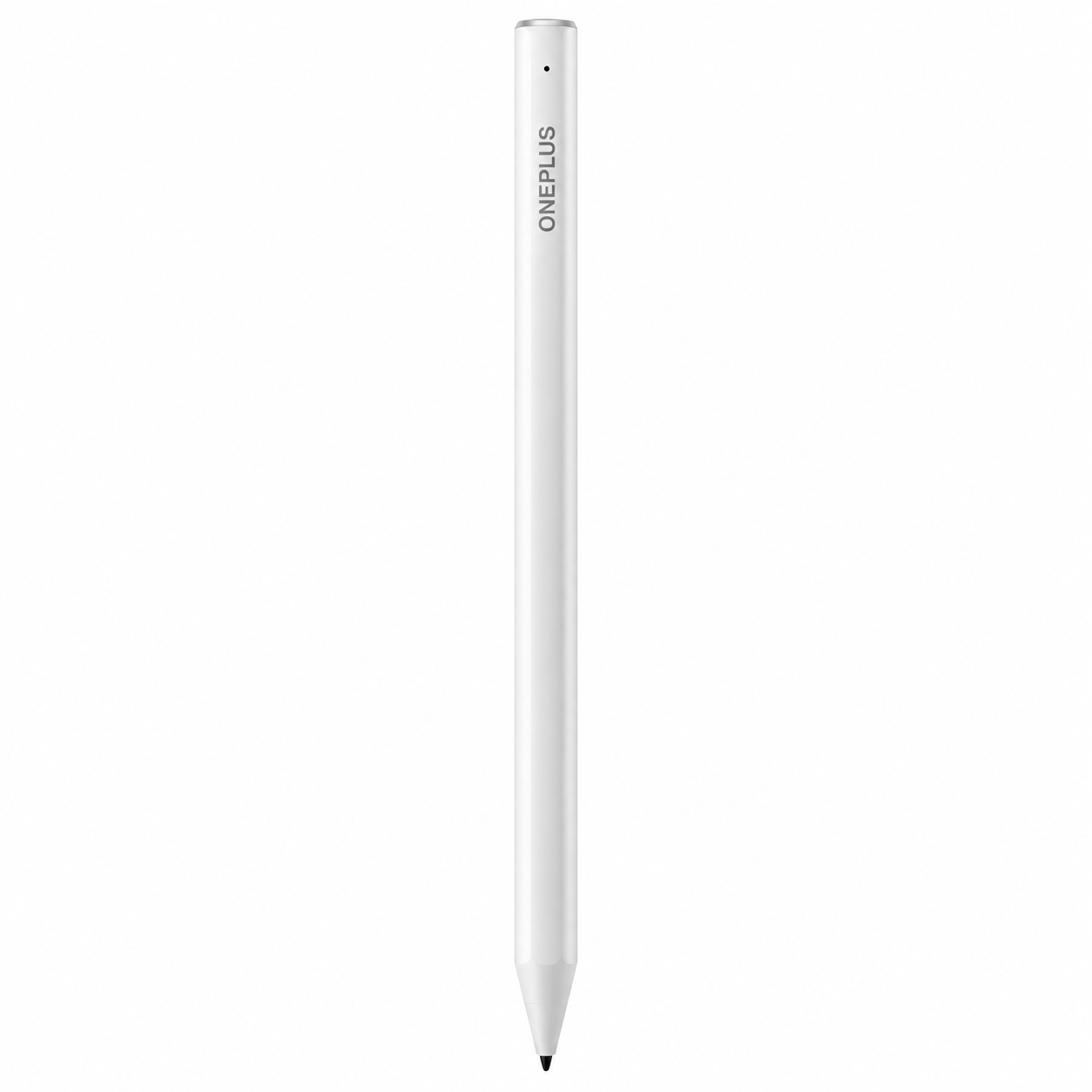
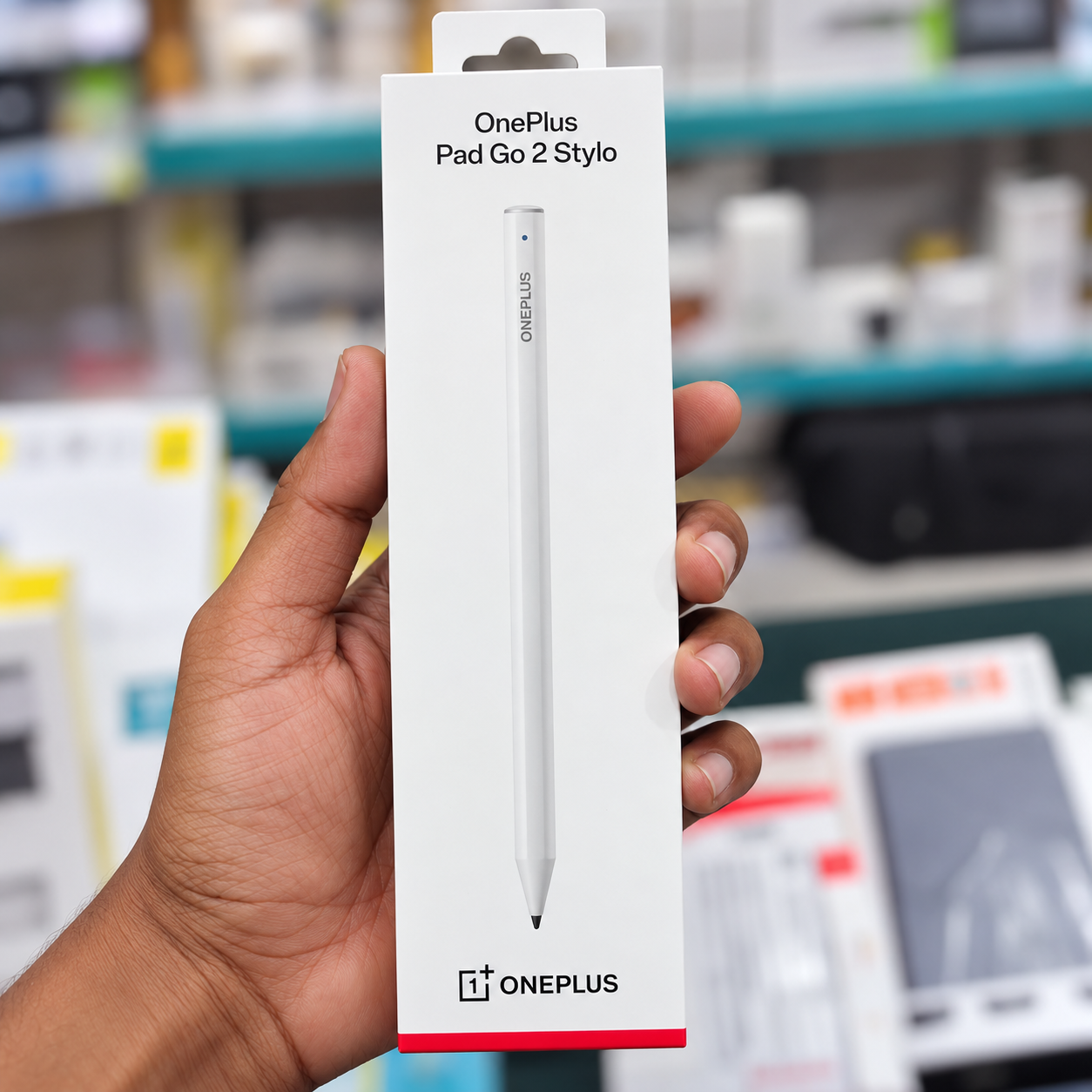
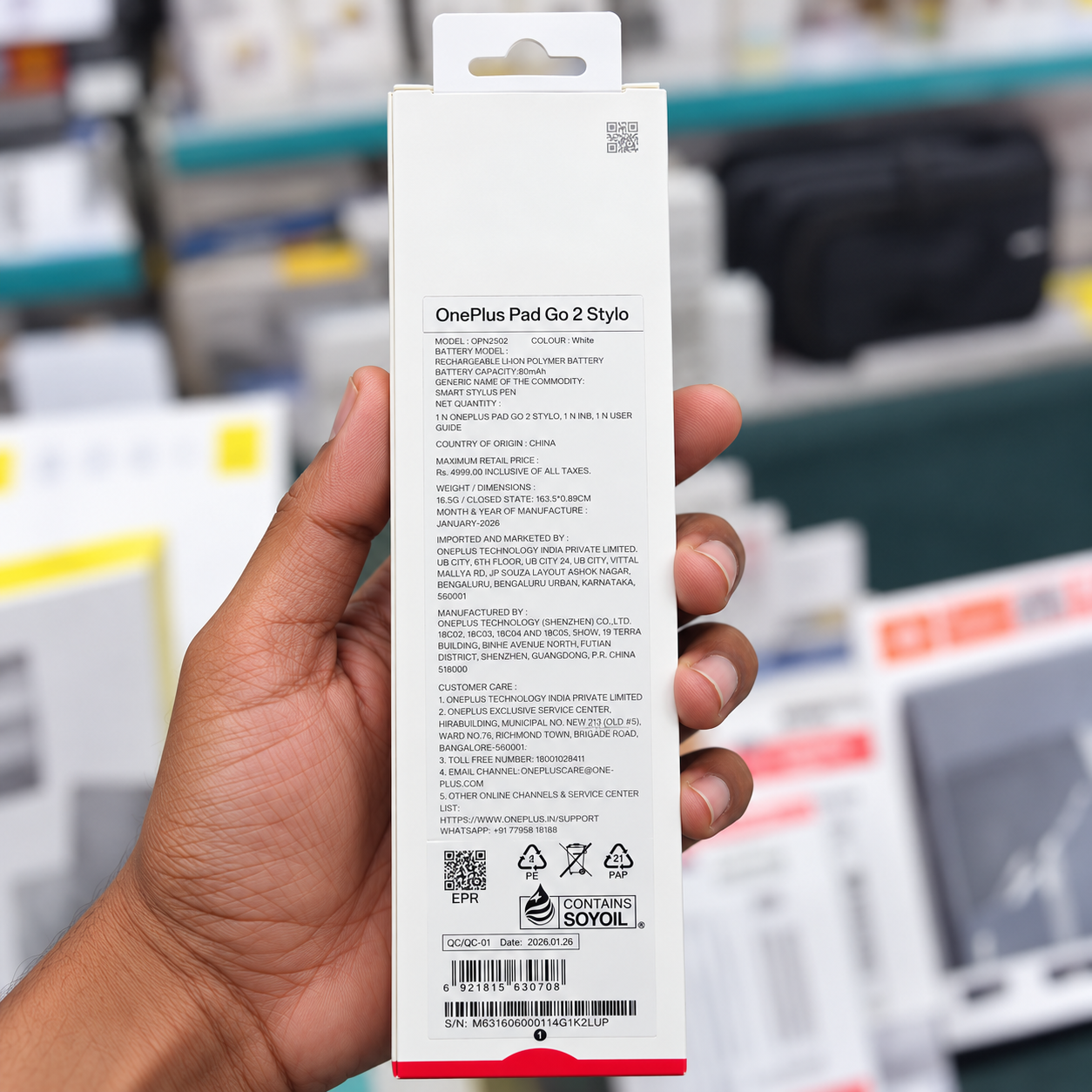
Enhance your tablet experience with the OnePlus Pad Go 2 Stylo OPN2502, a precision stylus designed specifically for the OnePlus Pad Go 2. Whether you are taking handwritten notes, annotating documents, sketching ideas or navigating compatible apps, this digital pen offers responsive input and natural writing control.
With 4,096 levels of pressure sensitivity, the Stylo detects variations in applied pressure for more expressive writing and drawing. Its soft rubber tip supports smooth interaction with the tablet display, while low-latency performance helps make digital handwriting feel responsive.
The built-in physical shortcut button provides convenient access to supported functions, including Bluetooth pairing, brush and eraser switching, and screenshots. Bluetooth 5.4 connectivity enables wireless communication with the compatible tablet, and USB Type-C charging makes it easy to recharge the pen when needed. The stylus offers up to 20 hours of use, depending on operating conditions.
Its slim, lightweight design measures approximately 165.31 mm long and 8.88 mm wide, making it comfortable to hold during everyday use.
Compatibility note: This stylus is designed for the OnePlus Pad Go 2. Please confirm your tablet model before purchasing, as compatibility with other OnePlus tablets is not guaranteed.
Product Specifications
| Specification | Details |
|---|---|
| Brand | OnePlus |
| Product Type | Digital Stylus Pen |
| Product Name | OnePlus Pad Go 2 Stylo |
| Model Number | OPN2502 |
| Colour | White |
| Compatible Device | OnePlus Pad Go 2 |
| Stylus Type | Active Digital Stylus |
| Pressure Sensitivity | 4,096 levels |
| Connectivity | Bluetooth |
| Bluetooth Version | Bluetooth 5.4 |
| Charging Method | USB Type-C cable |
| Battery Type | Built-in rechargeable battery |
| Battery Life | Up to 20 hours, depending on use |
| Pen Length | 165.31 mm |
| Pen Width | 8.88 mm |
| Tip Type | Soft rubber tip |
| Shortcut Control | Physical shortcut button |
| Supported Functions | Pairing, brush/eraser switching and screenshots, subject to software support |
| Primary Applications | Handwriting, note-taking, drawing and document annotation |
| Package Contents | OnePlus Pad Go 2 Stylo, pen tip and user manual |
FAQ’s
Q1. Which tablet is compatible with the OnePlus Pad Go 2 Stylo OPN2502?
A1. It is designed for the OnePlus Pad Go 2. Compatibility with other tablet models is not guaranteed.
Q2. How many pressure sensitivity levels does this stylus support?
A2. It supports 4,096 pressure levels for responsive handwriting and drawing in compatible applications.
Q3. How is the OnePlus Pad Go 2 Stylo charged?
A3. The stylus charges through a USB Type-C cable.
Q4. Does the OPN2502 Stylo have shortcut controls?
A4. Yes. Its physical shortcut button supports functions such as Bluetooth pairing, brush or eraser switching, and screenshots, depending on software support.
Q5. What comes in the package?
A5. The listed package contents include the OnePlus Pad Go 2 Stylo, a pen tip and a user manual. Check the supplied package for the exact contents.
Reviews
There are no reviews yet.