
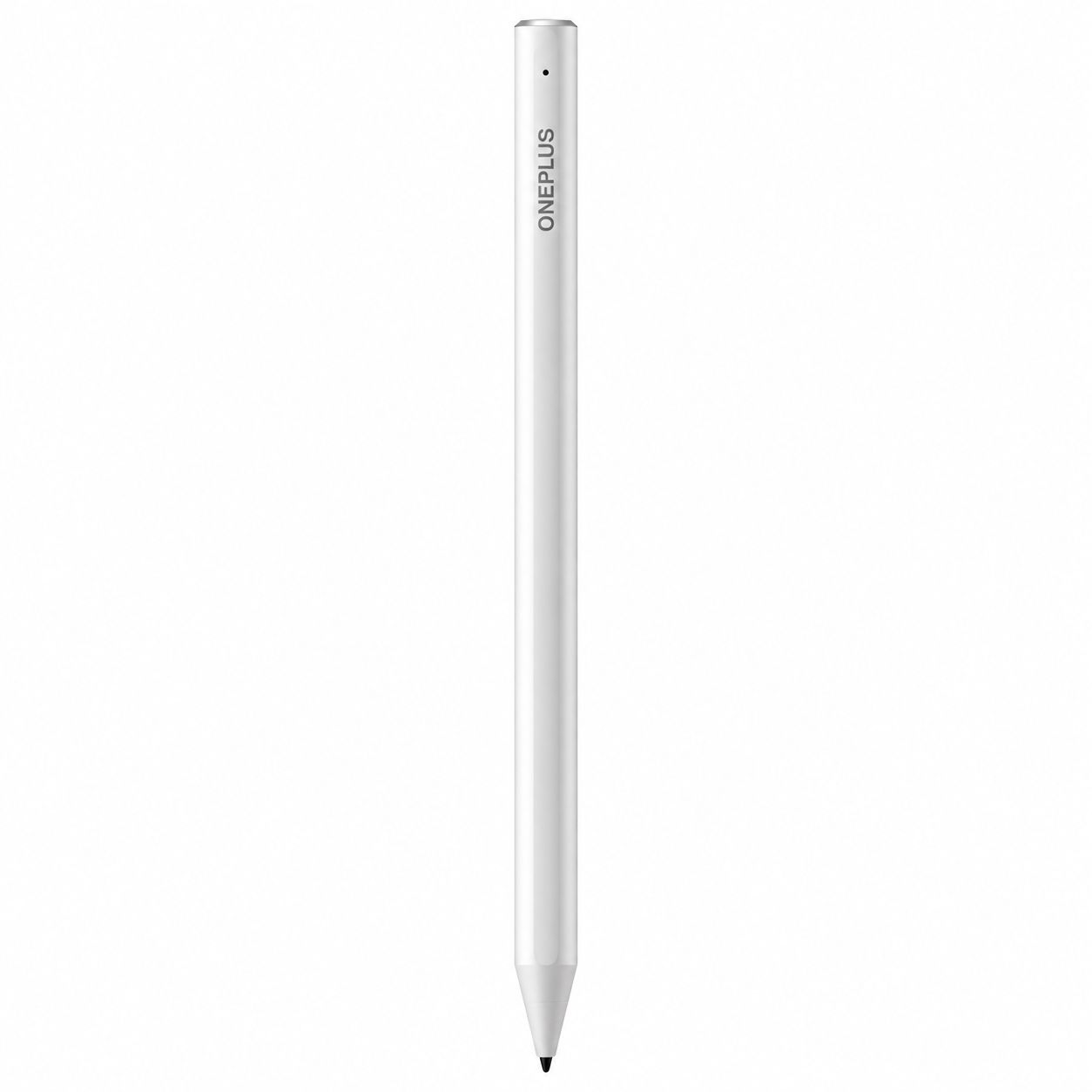
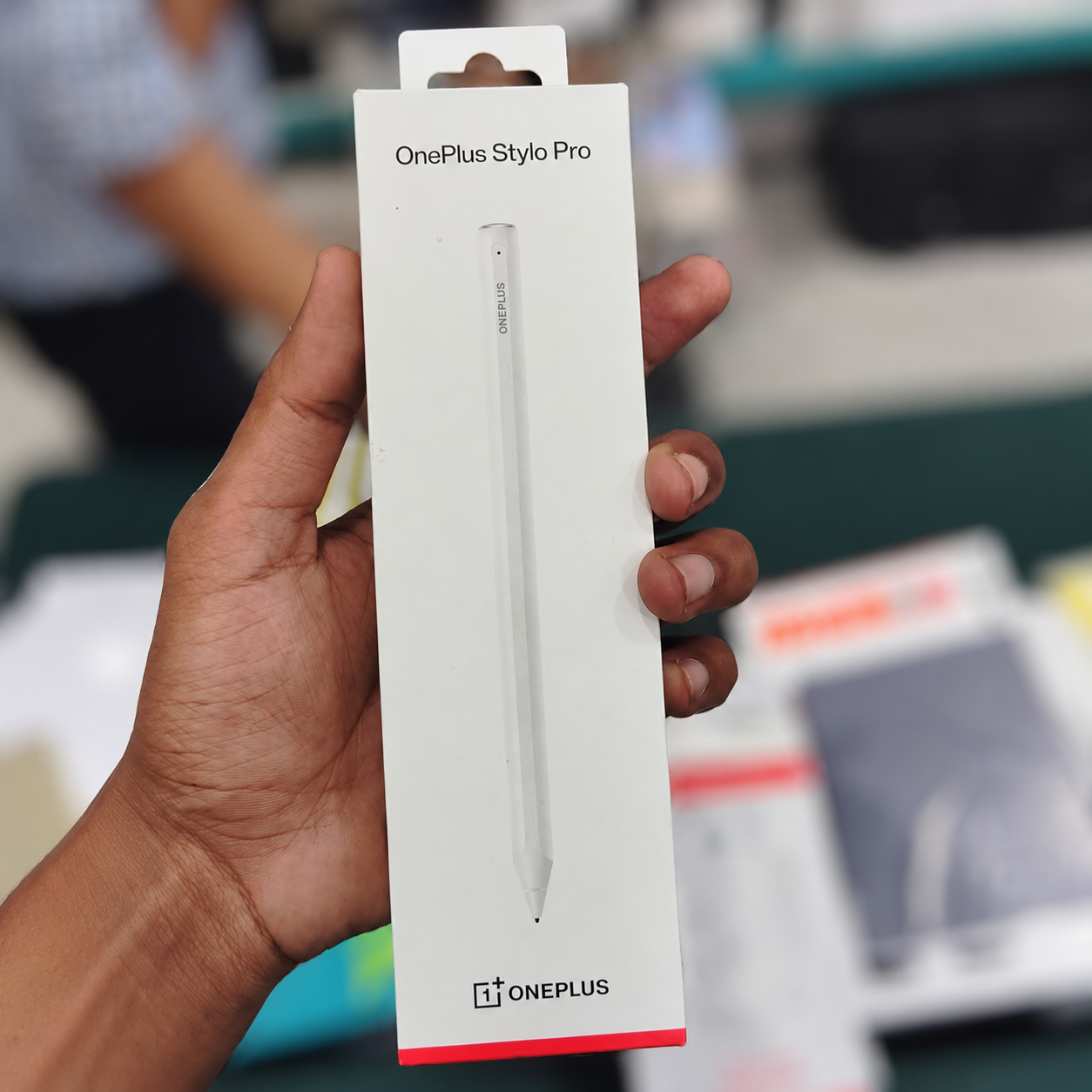
Enhance your digital writing and drawing experience with the OnePlus Stylo Pro for OnePlus Pad 4. Designed for compatible tablet use, this advanced stylus offers 16,000 levels of pressure sensitivity, making it suitable for handwritten notes, sketching, illustrations, document annotation and everyday productivity.
Pressure-sensitive input helps create varied strokes in supported applications, giving users greater control when writing or drawing. Its ultra-low-latency performance is designed to make pen movements feel responsive, supporting a natural workflow for students, professionals and creative users.
The OnePlus Stylo Pro is a useful accessory for turning your compatible tablet into a digital workspace for meetings, study sessions, brainstorming and creative projects. Use it to annotate documents, capture ideas, mark up notes or work with supported drawing applications.
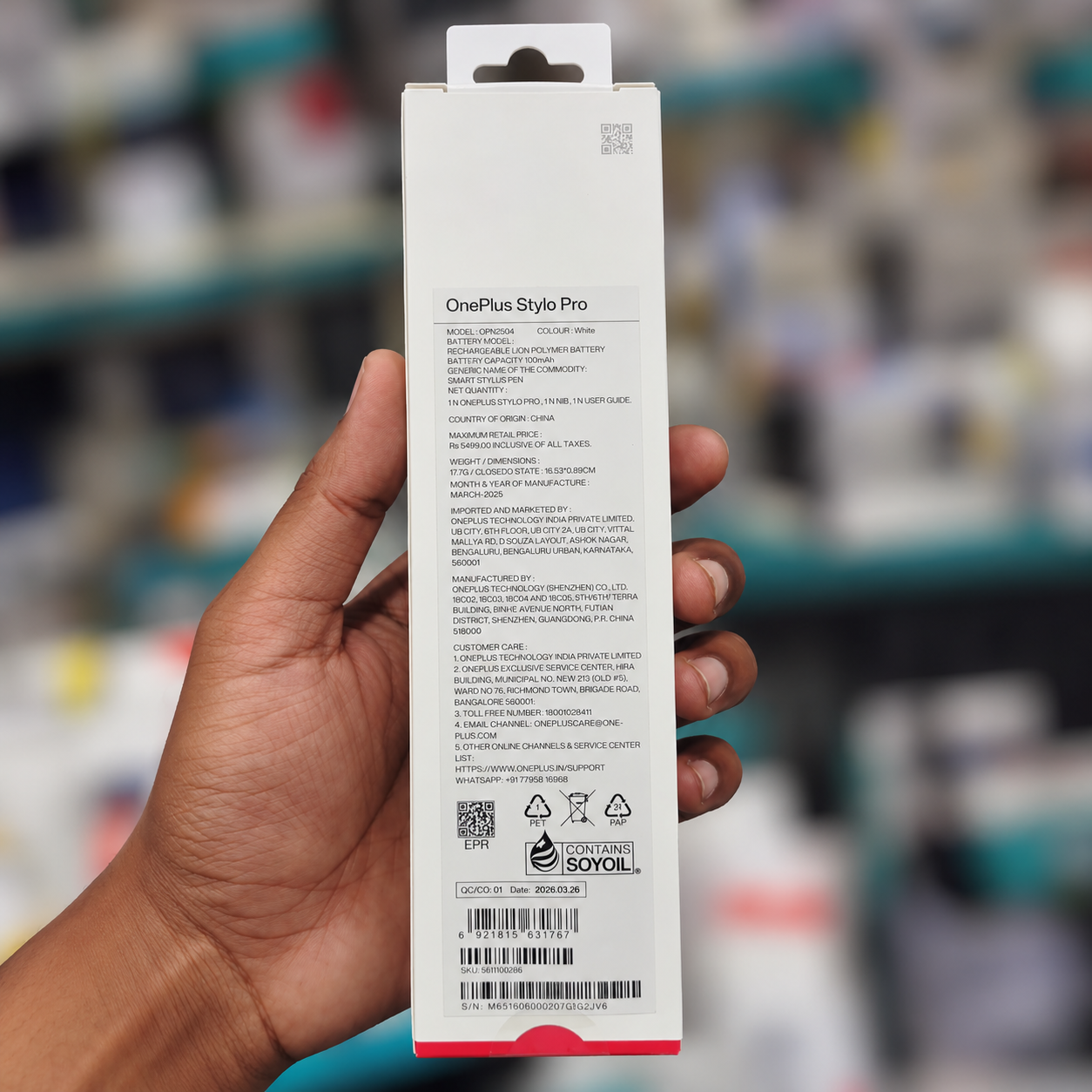
Before purchasing, confirm that your tablet is the OnePlus Pad 4 and that the stylus model supplied is compatible. Features such as pressure sensitivity, shortcut functions and charging depend on supported hardware and software. This listing is for the stylus only; the tablet is not included unless explicitly stated in the package details.
Product Specifications
| Specification | Details |
|---|---|
| Brand | OnePlus |
| Product Type | Digital Stylus Pen |
| Product Name | OnePlus Stylo Pro |
| Compatible Tablet | OnePlus Pad 4 |
| Model Number | Confirm against product packaging |
| Colour | Confirm product variant |
| Stylus Type | Active digital stylus |
| Pressure Sensitivity | 16,000 levels |
| Performance | Ultra-low latency |
| Primary Function | Digital writing and drawing |
| Intended Use | Note-taking, sketching and annotation |
| Connectivity | Confirm exact model specification |
| Charging Method | Confirm exact model specification |
| Power Source | Confirm exact model specification |
| Tip Type | Precision stylus tip |
| Controls | Depends on the supplied model |
| Operating Compatibility | OnePlus Pad 4, subject to supported software |
| Installation | Pair or connect according to device instructions |
| Product Format | Standalone stylus accessory |
| Package Contents | Stylus and included accessories as supplied |
FAQ’s
Q1. Which tablet is this OnePlus Stylo Pro designed for?
A1. This listing identifies the stylus for the OnePlus Pad 4. Confirm the model and compatibility before purchasing.
Q2. How many pressure levels does the stylus support?
A2. It is specified with 16,000 pressure levels for pressure-sensitive input in supported applications.
Q3. Can I use the OnePlus Stylo Pro for handwritten notes?
A3. Yes. It is intended for digital writing, note-taking and document annotation on a compatible tablet.
Q4. Is this product the OnePlus Pad 4 tablet?
A4. No. This listing is for the stylus accessory only. The tablet is not included unless explicitly stated.
Q5. Will every stylus feature work on my tablet?
A5. Available features depend on tablet compatibility, software support and the exact stylus model. Verify these details before ordering.
Reviews
There are no reviews yet.