
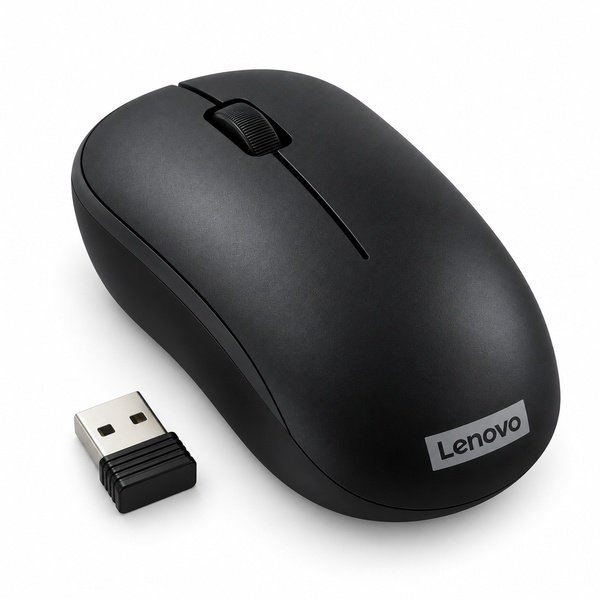
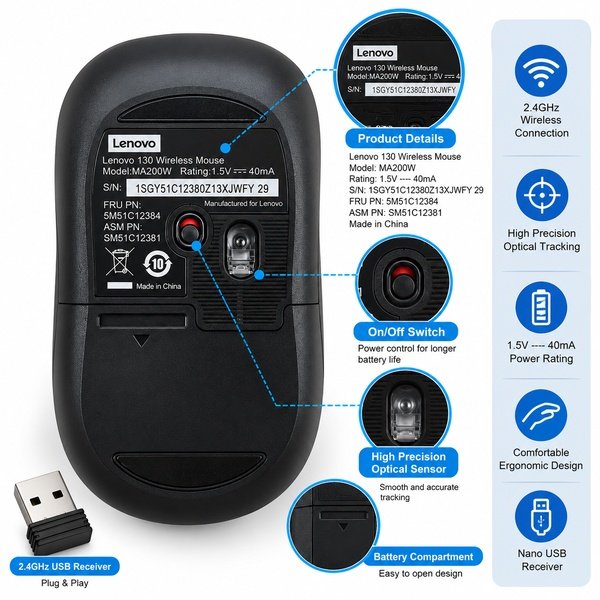
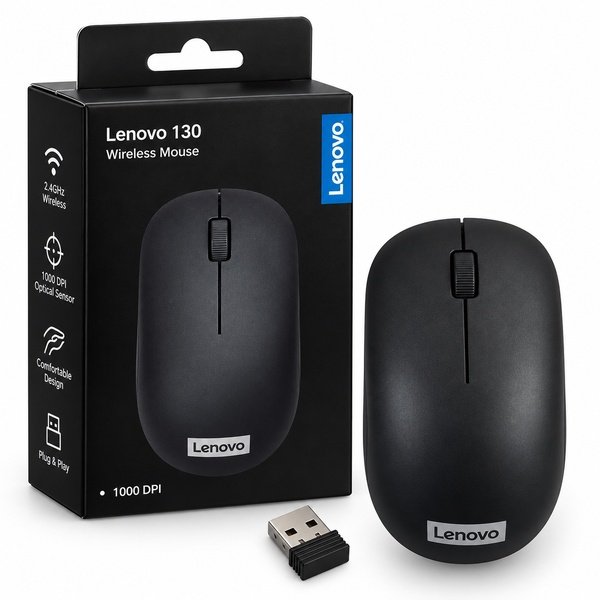
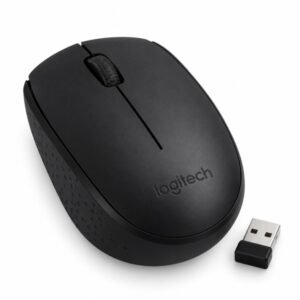
The Lenovo 130 Wireless Mouse is designed to make everyday computer use more convenient with a reliable wireless connection and a simple setup. Using 2.4GHz wireless technology, it connects to a compatible desktop computer or laptop through a plug-and-play nano USB receiver, helping keep your workspace neat and free from cable clutter.
The compact wireless design makes this mouse suitable for home, office, and study environments. It is useful for everyday activities such as browsing websites, editing documents, managing spreadsheets, attending online classes, and navigating applications. The wireless connection also gives you greater flexibility when positioning your mouse on your desk.
With its plug-and-play receiver, the Lenovo 130 is designed for straightforward installation. Connect the nano USB receiver to a compatible USB port and follow the device instructions to start using the mouse. No complicated wireless pairing process is generally required.
Whether you need a convenient mouse for office productivity, personal computing, or everyday laptop use, the Lenovo 130 offers a practical wireless solution. Check the exact product variant for details such as DPI resolution, operating distance, battery requirements, and operating system compatibility before purchasing.
Choose the Lenovo 130 Wireless Mouse for convenient 2.4GHz connectivity and simple everyday computer navigation.
Product Specifications
| Product Specifications | Details |
|---|---|
| Brand | Lenovo |
| Product Name | Lenovo 130 Wireless Mouse |
| Model | 130 |
| Product Type | Wireless Computer Mouse |
| Connectivity | 2.4GHz Wireless |
| Wireless Technology | 2.4GHz RF |
| Receiver Type | Nano USB Receiver |
| Receiver Connection | USB |
| Setup | Plug-and-Play |
| Sensor Type | 1000 DPI optical sensor |
| DPI Resolution | 1000 DPI |
| Number of Buttons | Two buttons (Right and left click) |
| Scroll Wheel | One Scroll wheel |
| Power Source | battery |
| Battery Requirement | Yes |
| Device Compatibility | Compatible computers with a supported USB port |
| Intended Use | Office work, study, browsing, and everyday computing |
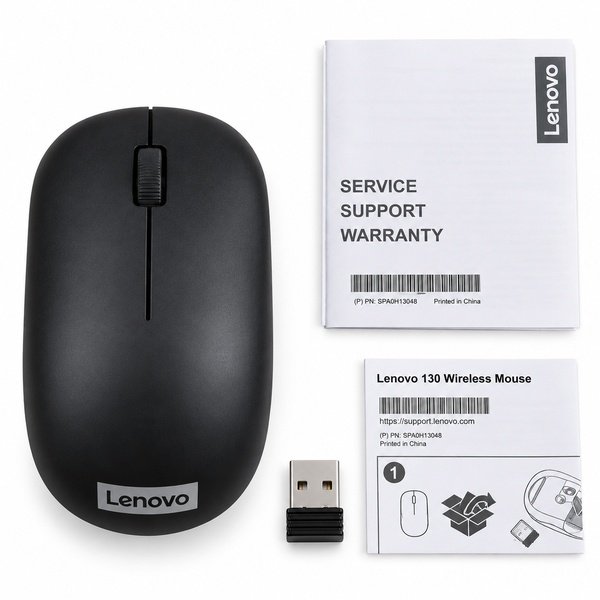
| Package Contents | 1 × Lenovo 130 Wireless Mouse and Nano USB Receiver, subject to package verification |
FAQ’s
Q1. What wireless technology does the Lenovo 130 mouse use?
A1. The Lenovo 130 uses 2.4GHz wireless technology to connect to compatible computers through a nano USB receiver.
Q2. Does the Lenovo 130 wireless mouse include a USB receiver?
A2. The specified connection method uses a nano USB receiver. Check the product package to confirm the included accessories.
Q3. Is the Lenovo 130 mouse plug-and-play?
A3. Yes, it is designed for plug-and-play setup. Connect the nano USB receiver to a compatible USB port and follow the device instructions.
Q4. Can I use the Lenovo 130 wireless mouse with a laptop?
A4. Yes, it can be used with a compatible laptop that supports the required USB receiver connection.
Q5. Does the Lenovo 130 wireless mouse require batteries?
A5. The exact battery requirements have not been confirmed. Please check the product packaging or manufacturer’s documentation for power details.
Reviews
There are no reviews yet.