
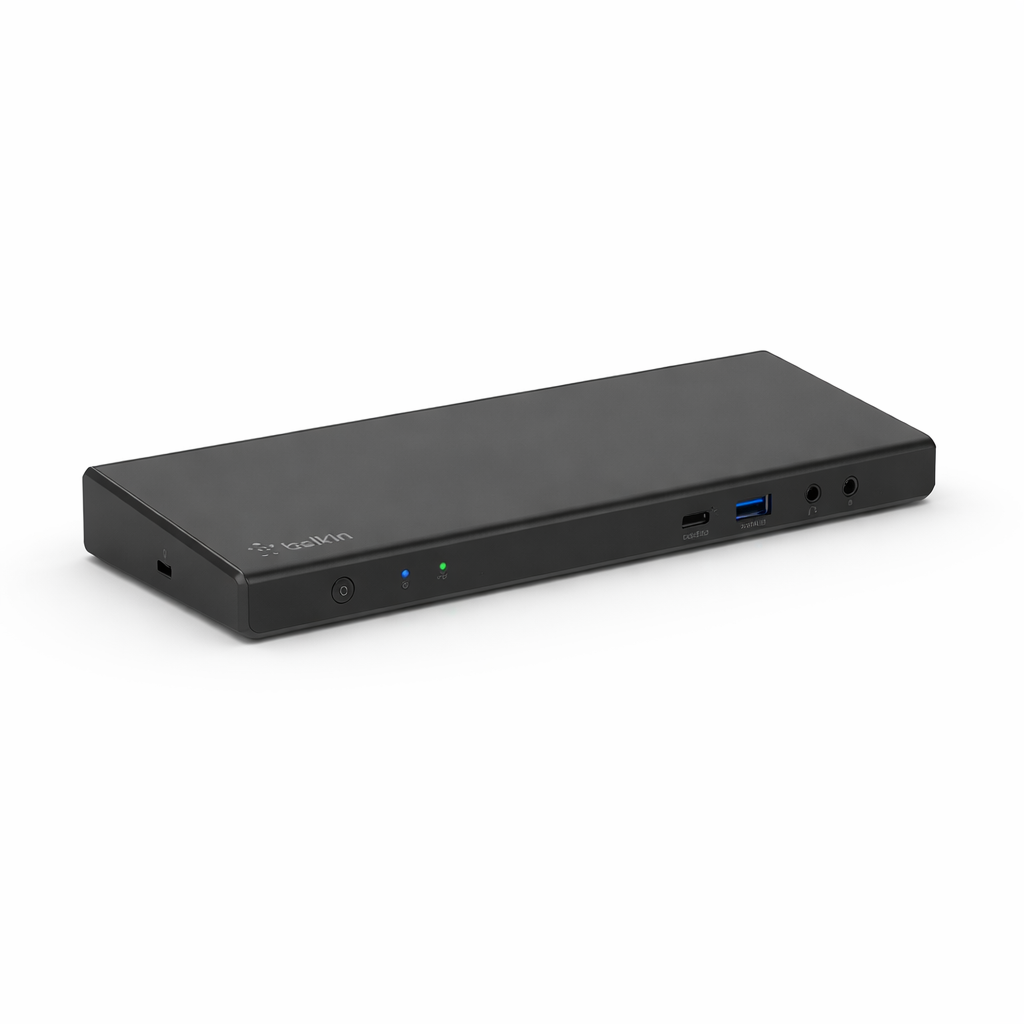
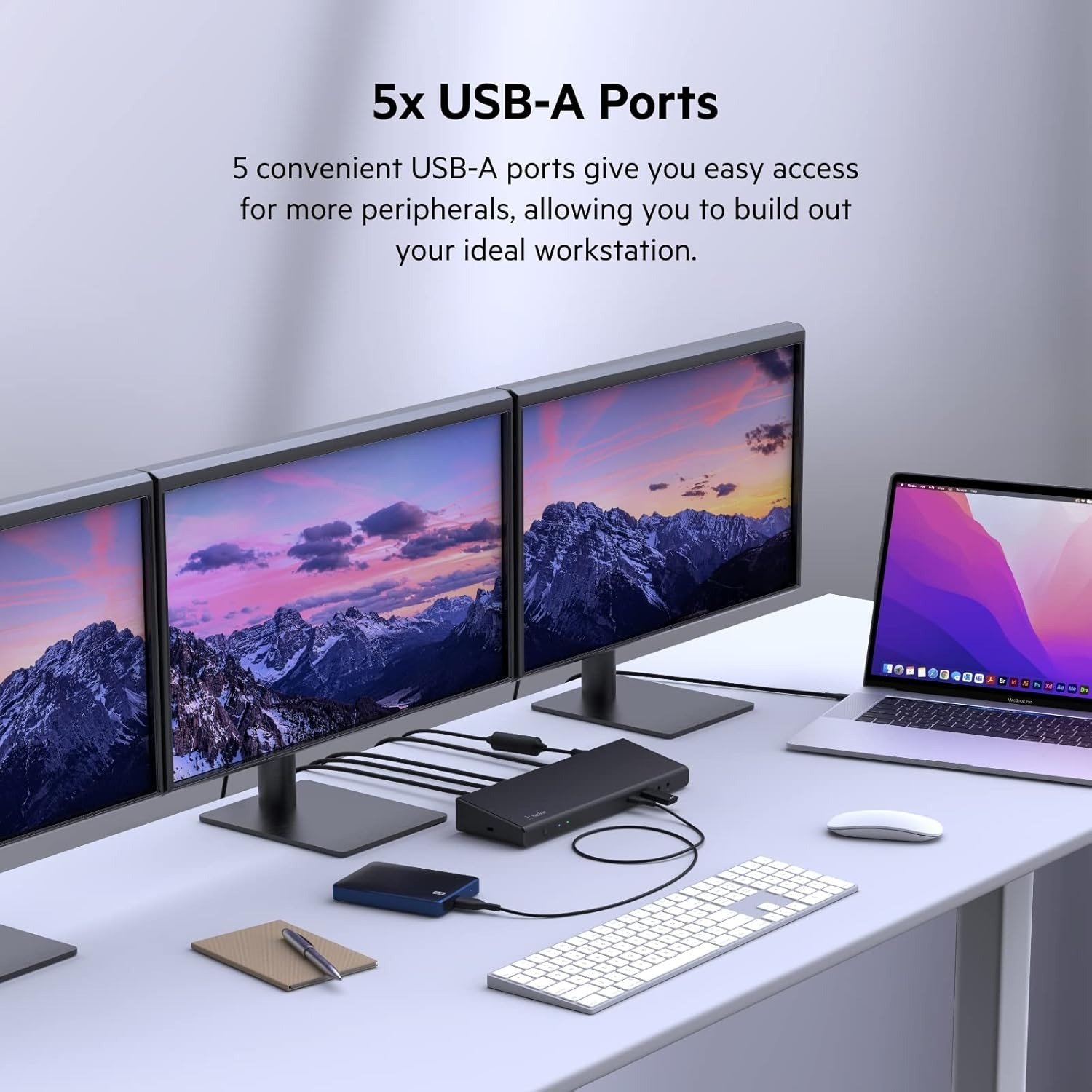
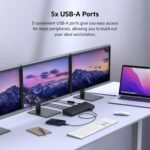
Boost productivity and simplify your workspace with the Belkin Connect Universal USB-C® Triple Display Dock (INC007). Designed for power users, professionals, and hybrid work environments, this advanced docking station supports up to three external displays, enabling efficient multitasking across multiple screens.
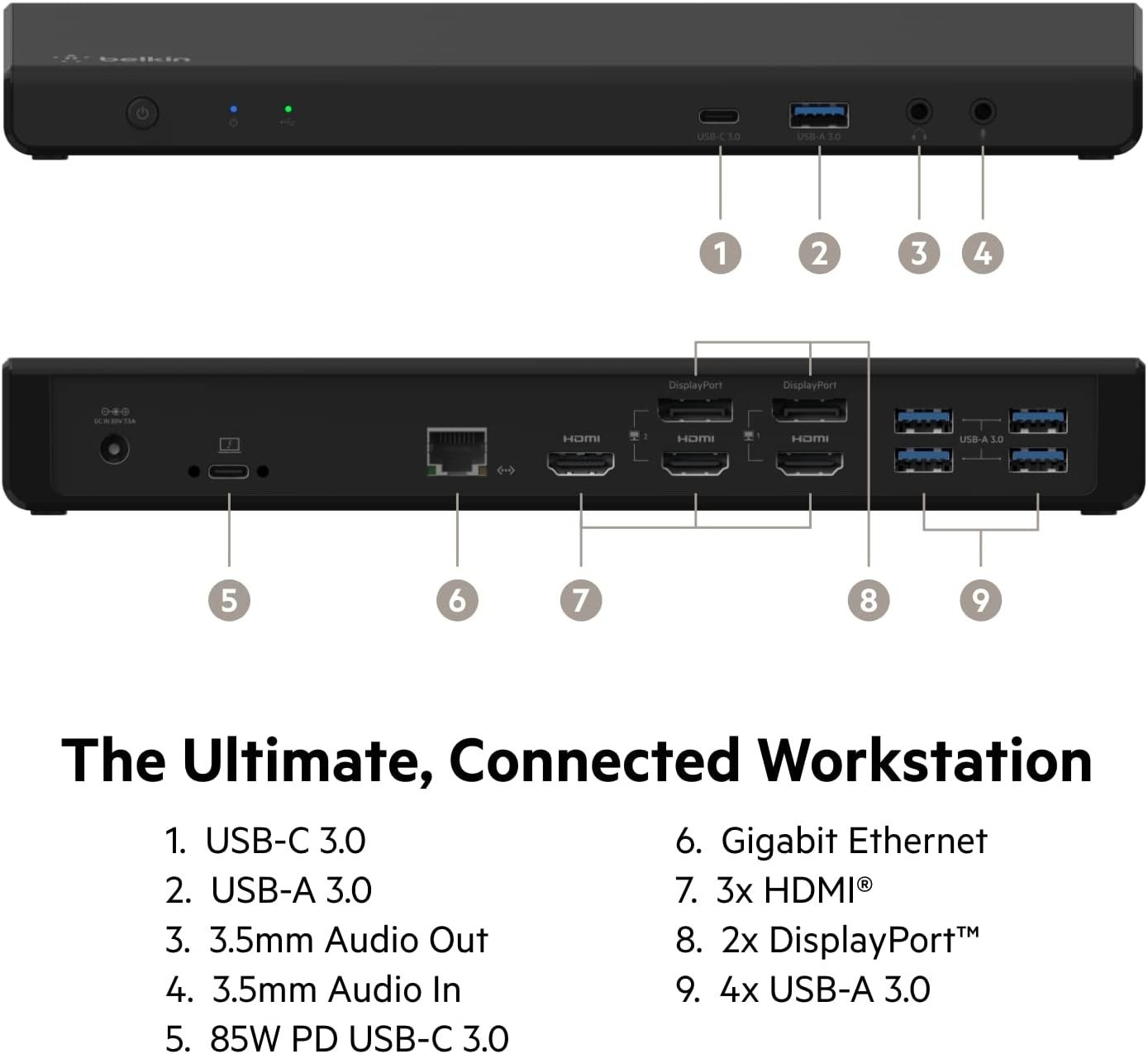
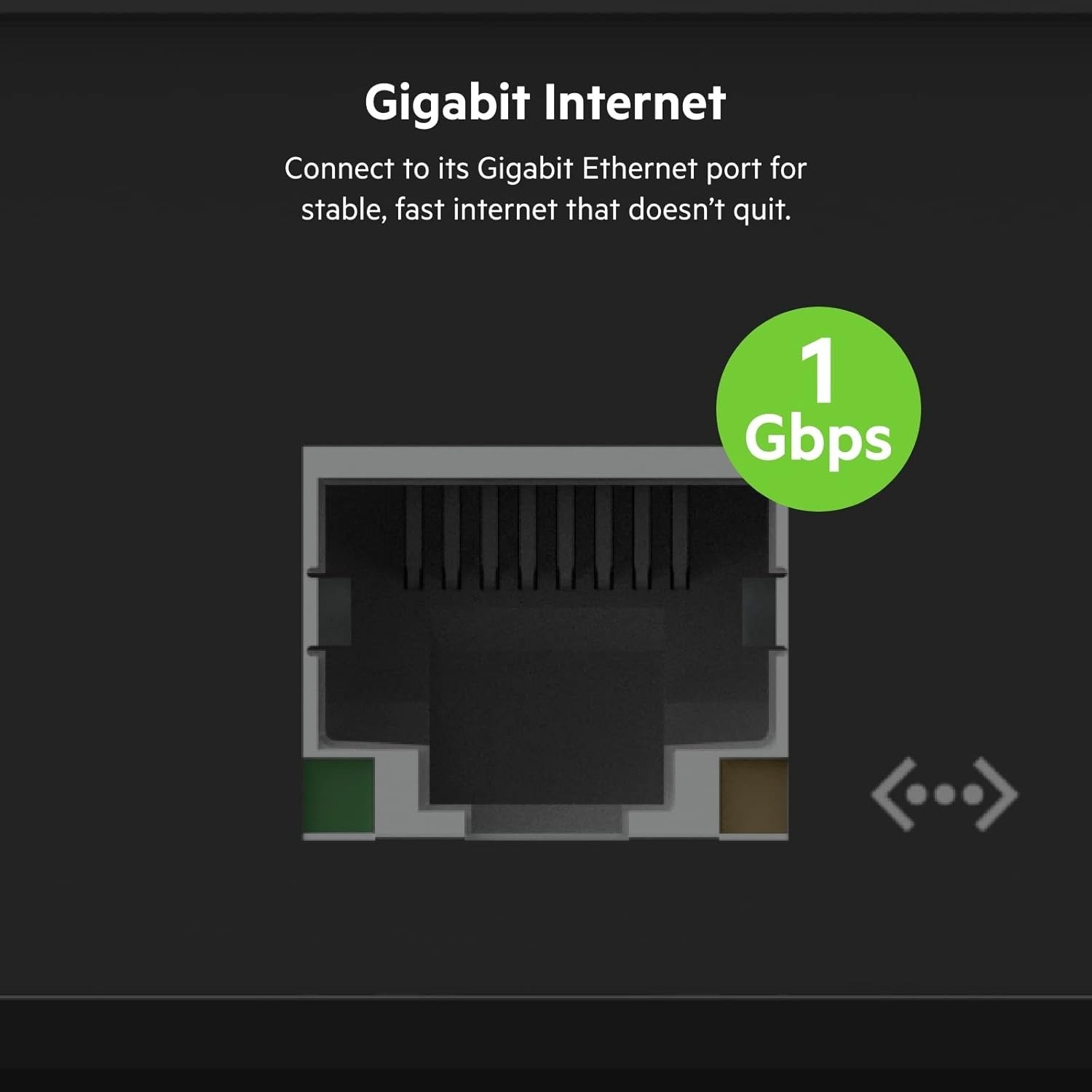
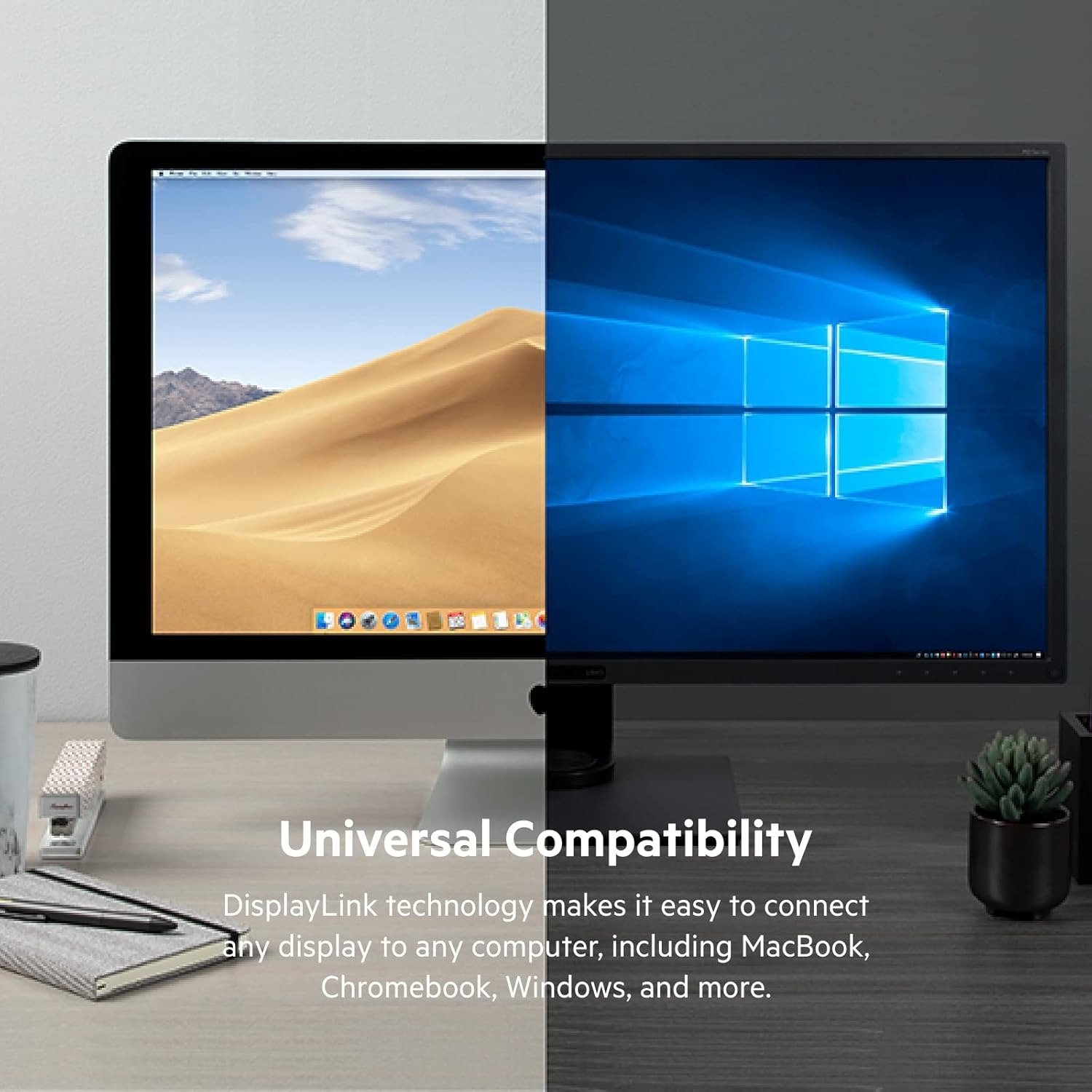
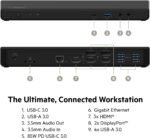
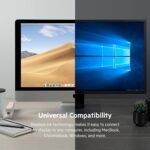
Using a single USB-C connection, the dock expands your laptop into a full workstation with HDMI and DisplayPort video outputs, multiple USB ports, Ethernet connectivity, and power delivery. It is compatible with a wide range of USB-C–enabled laptops, including Windows systems and select macOS devices, making it a flexible solution for mixed-device workplaces.
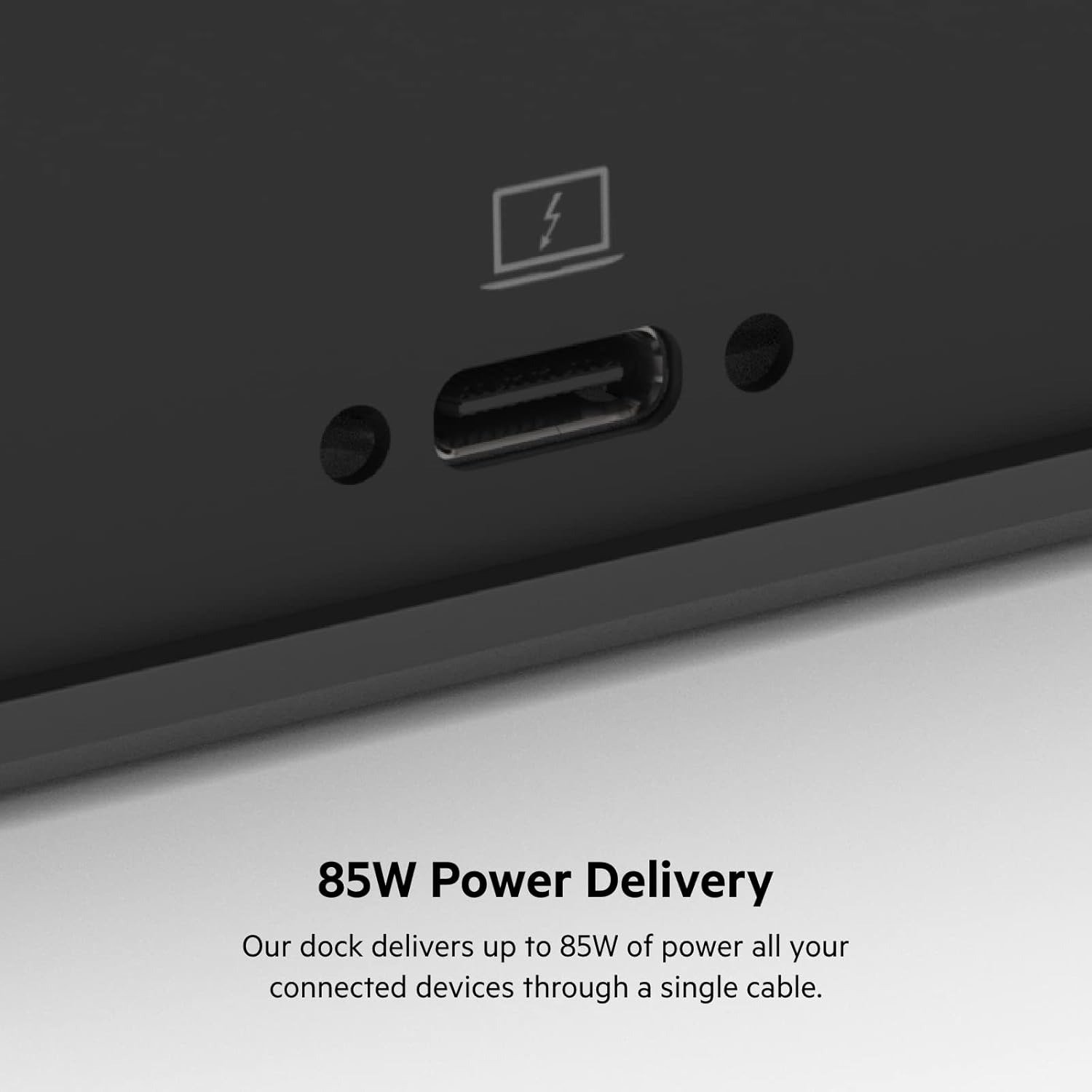
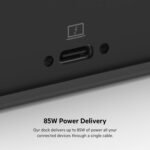
The dock delivers stable performance for data transfer, display output, and network connectivity, while also charging your laptop through USB-C power delivery—reducing cable clutter. Built with Belkin’s trusted engineering and a sleek black finish, the INC007 is ideal for offices, creative professionals, developers, and anyone who relies on multi-display setups for productivity.
Product Specifications
| Specification | Details |
|---|---|
| Brand | Belkin |
| Model | INC007 |
| Product Type | USB-C Docking Station |
| Display Support | Triple Display |
| Video Outputs | HDMI, DisplayPort |
| Input Interface | USB-C |
| Power Delivery | Supported |
| Charging Capability | Yes |
| USB Ports | Multiple |
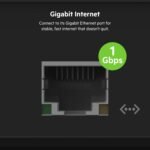
| Ethernet Port | Yes |
| Network Speed | Gigabit |
| Audio Support | Yes |
| Compatibility | USB-C Laptops |
| Operating Systems | Windows, macOS |
| Usage Type | Professional Workstation |
| Installation | Plug & Play |
| Driver Requirement | Minimal / System Dependent |
| Build Quality | Premium |
| Color | Black |
| Workspace Use | Office & Home |
| Warranty | Manufacturer Warranty |
FAQ’s
Q1: How many monitors does this dock support?
It supports up to three external displays, depending on system compatibility.
Q2: Does it charge the laptop while in use?
Yes, it supports USB-C power delivery to charge compatible laptops.
Q3: Is this dock compatible with Windows and macOS?
Yes, it works with Windows laptops and supported macOS systems.
Q4: Does it require driver installation?
Most systems work plug-and-play, though some configurations may require drivers.
Q5: Is this suitable for professional office setups?
Yes, it is designed for high-productivity, multi-display work environments.
Reviews
There are no reviews yet.