
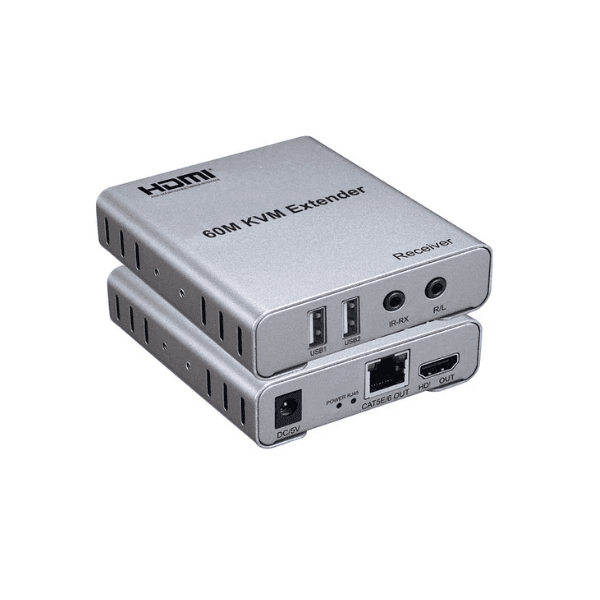


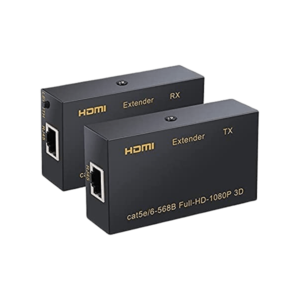
The HDMI KVM Extender over Cat5e/6 RJ45 with USB Keyboard & Mouse Support is a reliable solution for extending HDMI video signals and USB control over long distances using standard Ethernet cables. It allows you to control a single computer from a remote location while maintaining high-quality HDMI video output and responsive USB keyboard and mouse operation.
Designed for professional environments such as server rooms, control centers, classrooms, and digital signage setups, this KVM extender transmits HDMI signals over Cat5e or Cat6 cables, eliminating the need for long HDMI runs. It supports stable signal transmission with minimal latency, ensuring smooth video display and accurate input control.
The plug-and-play design enables quick installation without additional software or drivers. With dedicated USB ports for keyboard and mouse, it provides seamless remote system control while keeping equipment securely located. This extender is ideal for users who need centralized system management, space optimization, or extended-distance workstation access.
Product Specifications
| Specification | Details |
|---|---|
| Product Type | HDMI KVM Extender |
| Transmission Medium | Cat5e / Cat6 RJ45 Cable |
| Video Interface | HDMI |
| USB Support | Keyboard & Mouse |
| KVM Function | Yes |
| Maximum Resolution | Up to 1080p |
| Transmission Distance | Long Distance over Ethernet |
| Latency | Low Latency |
| Installation | Plug & Play |
| Driver Requirement | No |
| Input Ports (TX) | HDMI, USB |
| Output Ports (RX) | HDMI, USB |
| Compatibility | Windows, Linux |
| Usage Environment | Indoor |
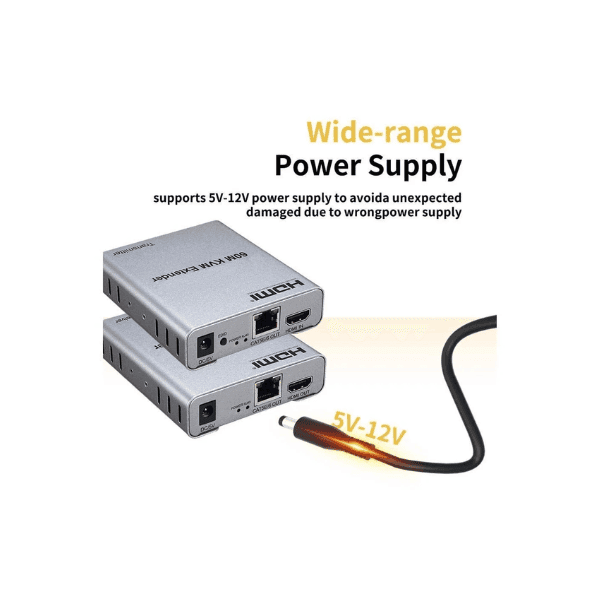
| Power Supply | External Adapter |
| Signal Stability | High |
| Application | Server Room, Office |
| Build Quality | Durable Housing |
| Cable Type Required | Cat5e / Cat6 |
| Operating Mode | Point-to-Point |
FAQ’s
Q1: What cable is required for this HDMI KVM extender?
It uses standard Cat5e or Cat6 Ethernet cables with RJ45 connectors.
Q2: Does it support keyboard and mouse control remotely?
Yes, it supports USB keyboard and mouse through the extender.
Q3: Is any software or driver installation needed?
No, the device works on a plug-and-play basis.
Q4: What video resolution does it support?
It supports HDMI video output up to 1080p resolution.
Q5: Where is this extender commonly used?
It is ideal for server rooms, offices, classrooms, and control environments.

Reviews
There are no reviews yet.