
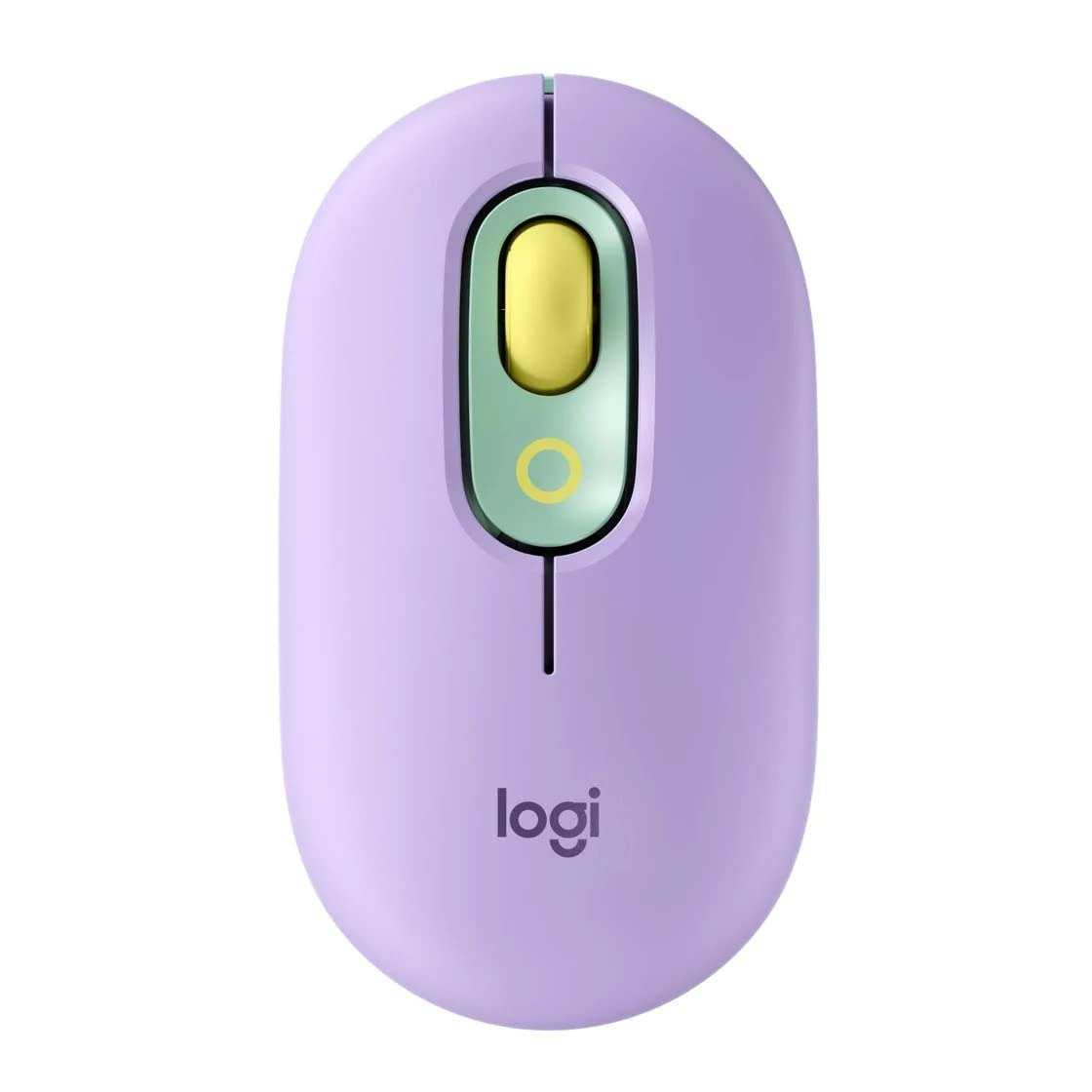
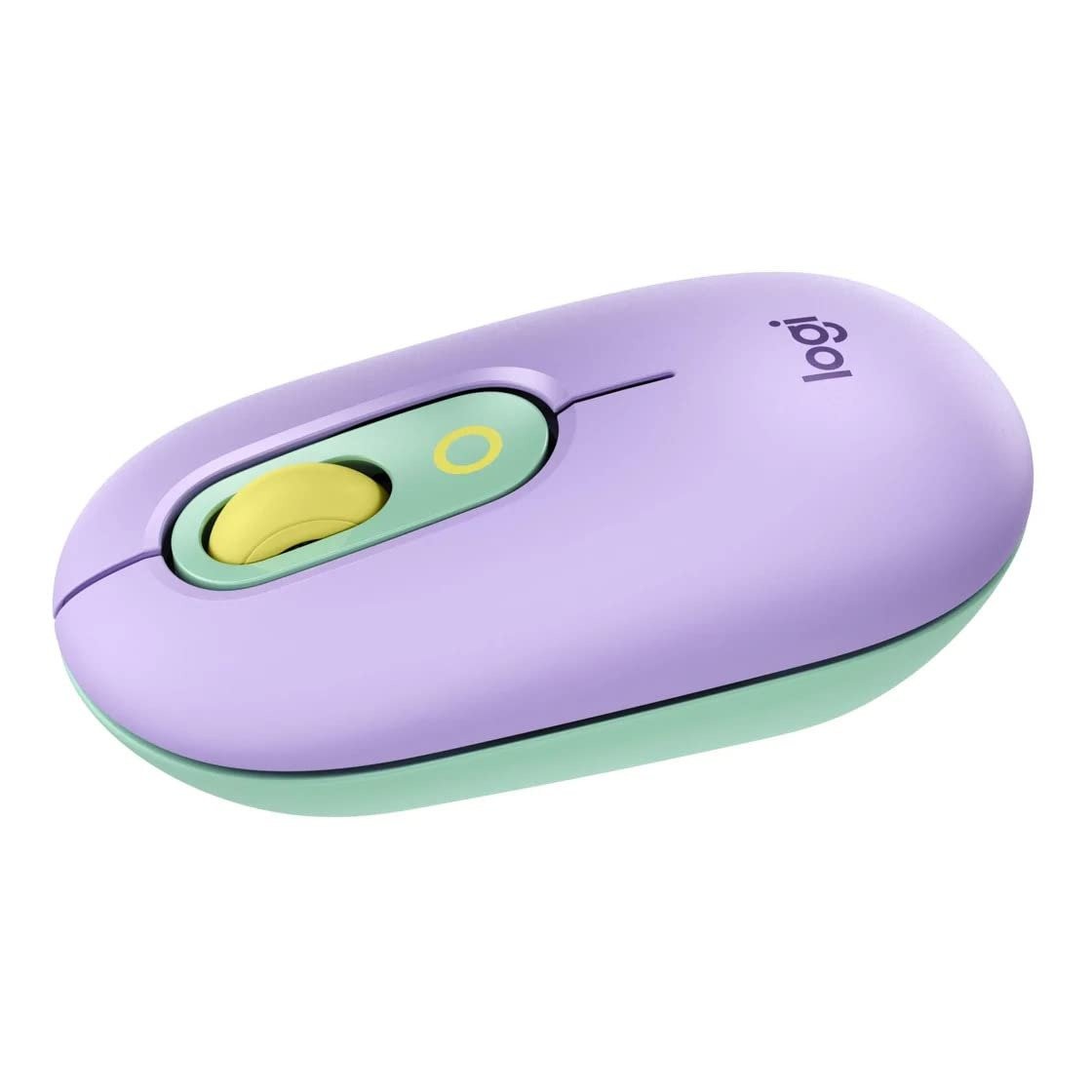
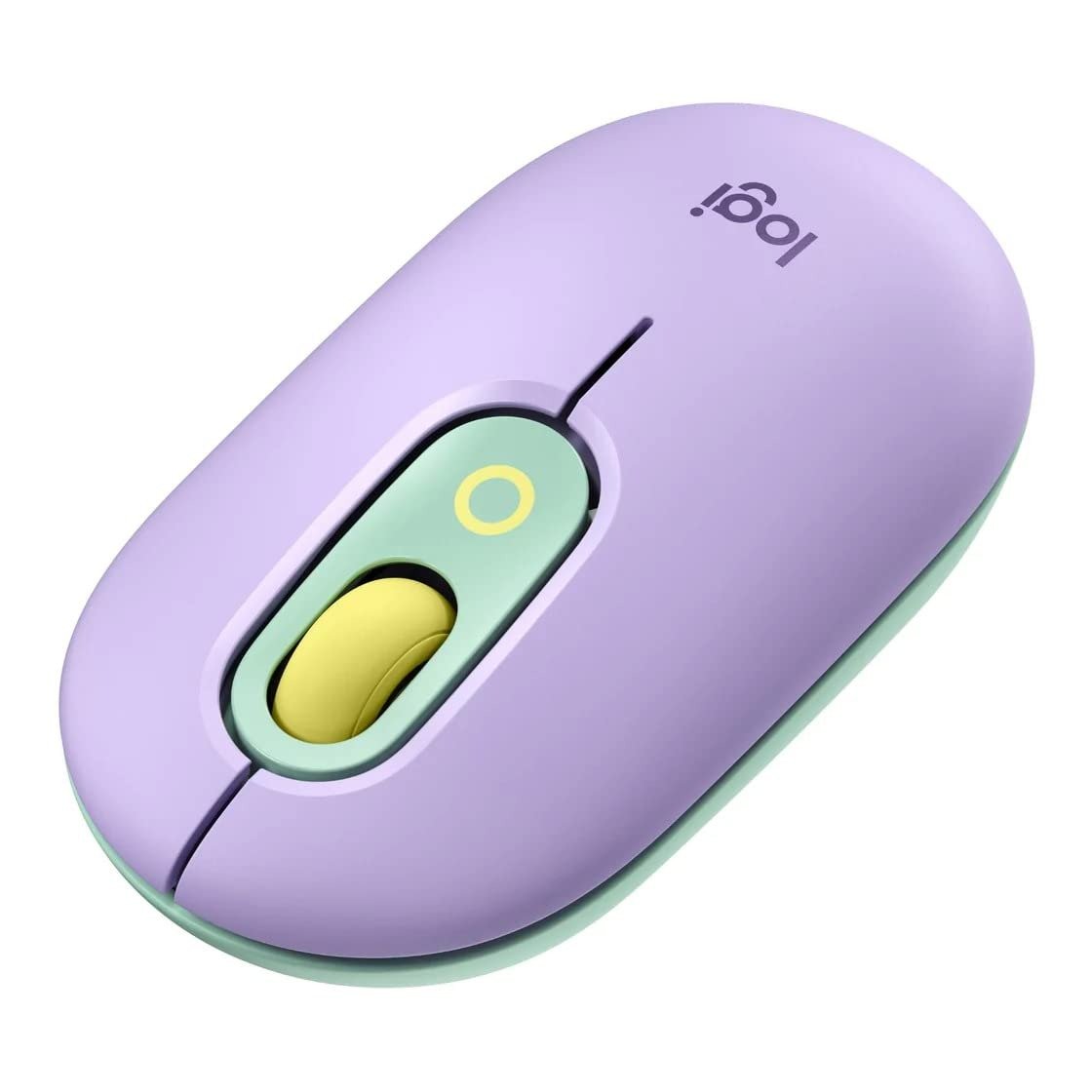
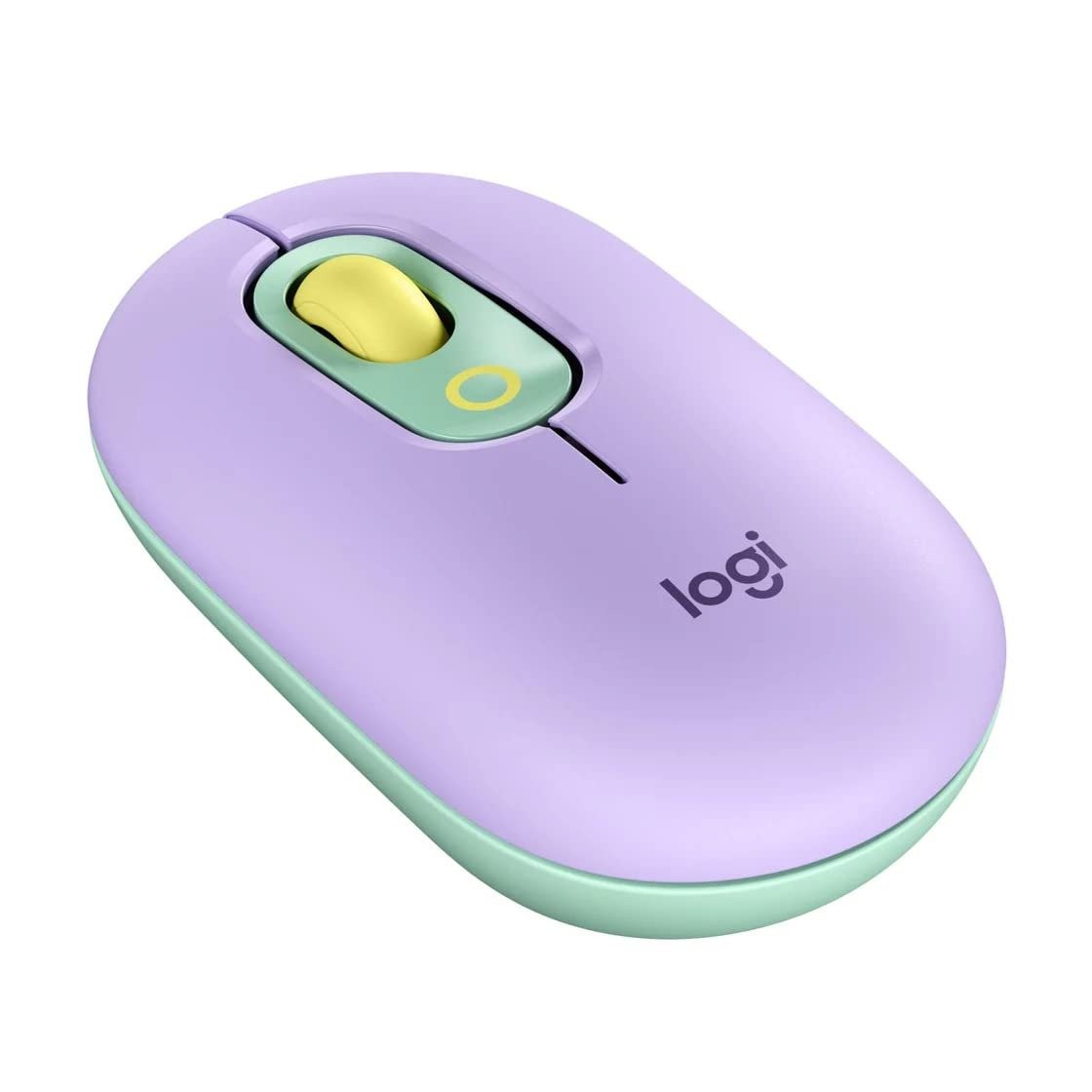
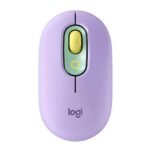
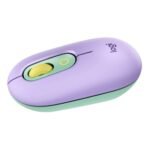
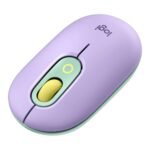
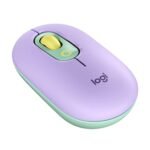
The Logitech POP Mouse Daydream is a stylish wireless mouse designed for creativity, productivity, and fun communication. With its vibrant Daydream color theme and compact shape, it adds personality to your workspace while delivering reliable performance.
One of the standout features of the POP Mouse is the customizable emoji button, which allows users to instantly send their favorite emojis or assign shortcuts using Logitech software. This feature is perfect for messaging, social media, and creative workflows.
Built with Logitech SilentTouch technology, the mouse significantly reduces click noise while maintaining the same comfortable clicking feel. The SmartWheel scrolling automatically adjusts between precision scrolling and fast scrolling, making it easy to navigate long pages and documents.
The mouse connects through Bluetooth and supports multi-device pairing, allowing users to switch between up to three devices such as laptops, tablets, and desktops. With a battery life of up to 24 months and broad operating system compatibility, the Logitech POP Mouse offers a perfect blend of design, functionality, and long-term reliability.
Product Specifications
| Product Specifications | Details |
|---|---|
| Brand | Logitech |
| Model Name | POP Mouse |
| Model Number | POP Mouse |
| Product Type | Wireless Bluetooth Mouse |
| Color | Daydream |
| Connectivity Technology | Bluetooth |
| Wireless Range | Up to 10 meters |
| Sensor Type | Optical |
| DPI Sensitivity | 1000 – 4000 DPI |
| Silent Technology | Logitech SilentTouch |
| Scroll Technology | SmartWheel Precision/Speed Scroll |
| Custom Button | Emoji Shortcut Button |
| Multi Device Support | Yes (Up to 3 Devices) |
| Software Support | Logitech Options+ |
| Battery Type | 1 x AA Battery |
| Battery Life | Up to 24 Months |
| Compatibility | Windows, macOS, ChromeOS, iPadOS |
| Device Support | PC, Mac, Laptop, Tablet |
| Weight | Approx. 82 g |
| Package Contents | Mouse, AA Battery, Documentation |
FAQ’s
Q: What is the emoji button on the Logitech POP Mouse used for?
A: The emoji button allows users to quickly send emojis or assign shortcuts using Logitech Options+ software.
Q: Can the Logitech POP Mouse connect to multiple devices?
A: Yes, it can connect to up to three devices and switch between them easily.
Q: Does the Logitech POP Mouse require a USB receiver?
A: No, it connects via Bluetooth and does not require a USB receiver.
Q: How long does the battery last on the POP Mouse?
A: The mouse provides up to 24 months of battery life depending on usage.
Q: Is the Logitech POP Mouse compatible with Mac and Windows?
A: Yes, it works with Windows, macOS, ChromeOS, iPadOS, and other Bluetooth-enabled devices.

Reviews
There are no reviews yet.