
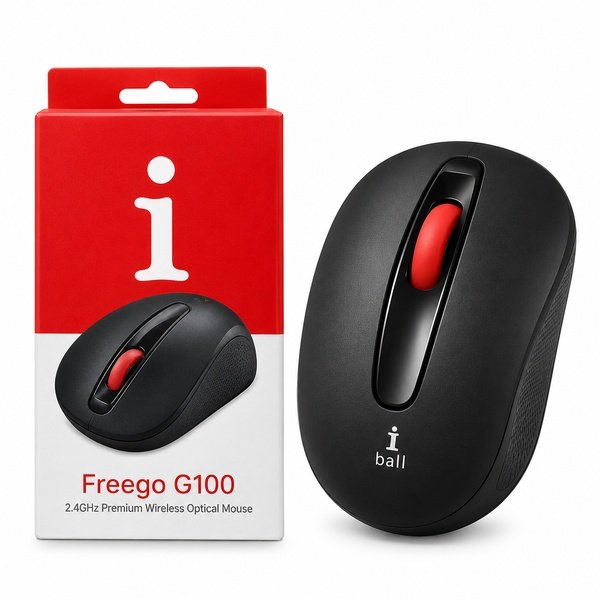
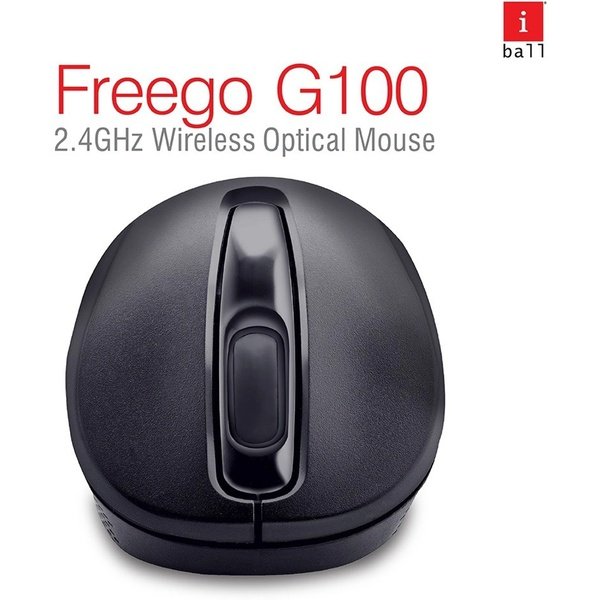
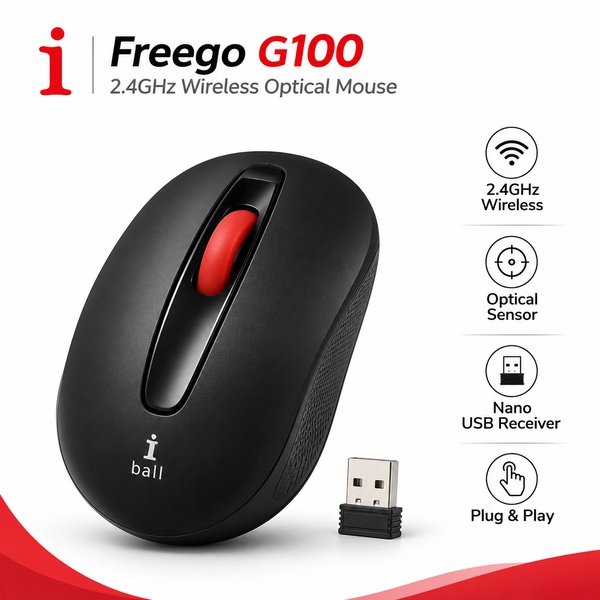
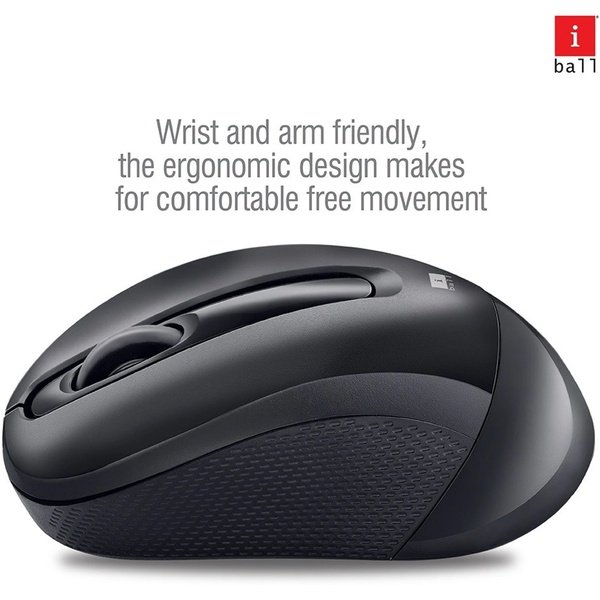
The iBall FreeGo G100 Wireless Mouse is designed to provide convenient and comfortable computer navigation for everyday use at home, in the office, or while studying. Featuring 2.4GHz wireless technology, it connects to a compatible computer through a nano USB receiver, helping you enjoy a clutter-free workspace without the restrictions of a wired mouse.
Its wireless design offers flexibility when positioning your mouse on a desk, making it suitable for browsing websites, editing documents, managing spreadsheets, attending online classes, and handling routine office tasks. The nano USB receiver provides a convenient connection method without requiring a traditional wired connection.
The compact receiver is easy to connect to a compatible desktop computer or laptop with a supported USB port. Simply plug in the receiver and follow the device instructions to start using the mouse. Its wireless operation makes it a practical choice for students, professionals, and home users who prefer a neat and organised computer setup.
Whether you are working on office assignments, browsing the internet, or using your laptop for everyday activities, the iBall FreeGo G100 offers a convenient wireless input solution. Check the exact product variant for DPI resolution, wireless operating range, battery requirements, and operating system compatibility before purchasing.
Choose the iBall FreeGo G100 Wireless Mouse for convenient 2.4GHz connectivity and everyday computer navigation.
Product Specifications
| Product Specifications | Details |
|---|---|
| Brand | iBall |
| Product Name | iBall FreeGo G100 Wireless Mouse |
| Model | FreeGo G100 |
| Product Type | Wireless Computer Mouse |
| Connectivity | 2.4GHz Wireless |
| Wireless Technology | 2.4GHz RF |
| Receiver Type | Nano USB Receiver |
| Receiver Interface | USB |
| Setup | USB Receiver-Based Connection |
| DPI Resolution | 800 CPI, 1200 CPI, 1600 CPI |
| Wireless Operating Range | 10 meter |
| Number of Buttons | 2 Buttons ( right and left click) |
| Scroll Wheel | 1 Scroll wheel |
| Power Source | Batteries |
| Battery Requirement | Yes |
| Device Compatibility | Compatible computers with a supported USB port |
| Intended Use | Office work, study, browsing, and everyday computing |
| Package Contents | 1 × iBall FreeGo G100 Wireless Mouse and Nano USB Receiver, subject to package verification |
FAQ’s
Q1. What wireless technology does the iBall FreeGo G100 mouse use?
A1. The iBall FreeGo G100 uses 2.4GHz wireless technology to connect to compatible computers through a nano USB receiver.
Q2. Does the iBall FreeGo G100 come with a nano USB receiver?
A2. Its specified connection method uses a nano USB receiver. Check the package contents to confirm the receiver is included.
Q3. Can I use the iBall FreeGo G100 with a laptop?
A3. Yes, it can be used with a compatible laptop that supports the required USB receiver connection.
Q4. Is the iBall FreeGo G100 suitable for office work?
A4. Yes, its wireless connectivity makes it suitable for everyday tasks such as browsing, document editing, and general computer navigation.
Q5. Does the iBall FreeGo G100 require batteries?
A5. The exact battery requirements have not been confirmed. Please check the product packaging or manufacturer’s documentation for power details.



Reviews
There are no reviews yet.