
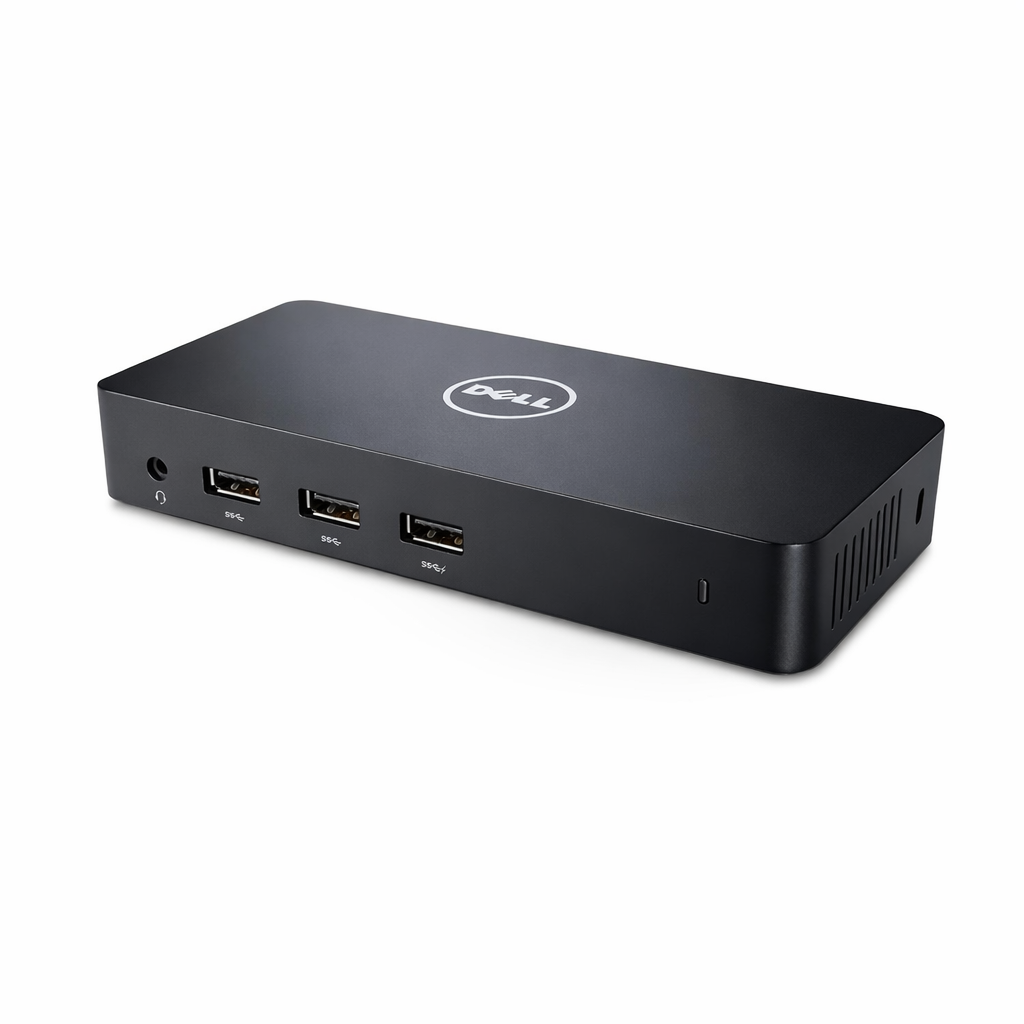
Expand your workstation and boost productivity with the Dell D3100 USB 3.0 Ultra HD Triple Video Docking Station, designed for professionals who rely on multi-monitor setups. This dock allows you to connect up to three external displays simultaneously, making it ideal for multitasking, data analysis, software development, and creative workflows.
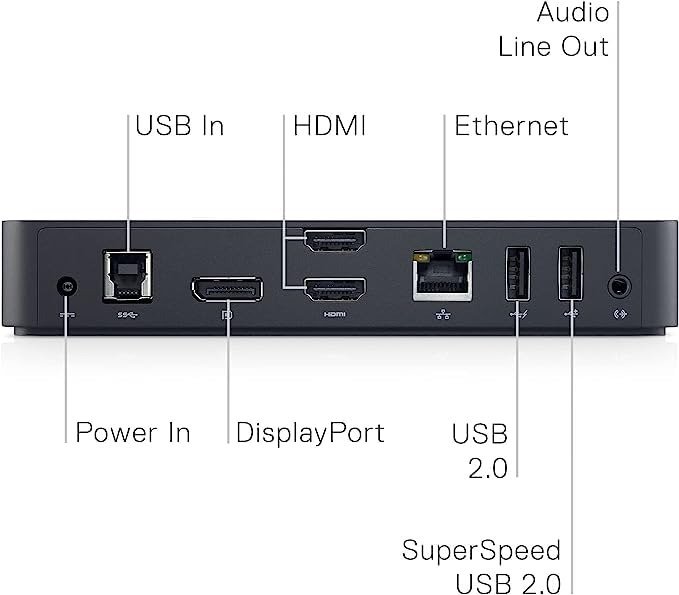
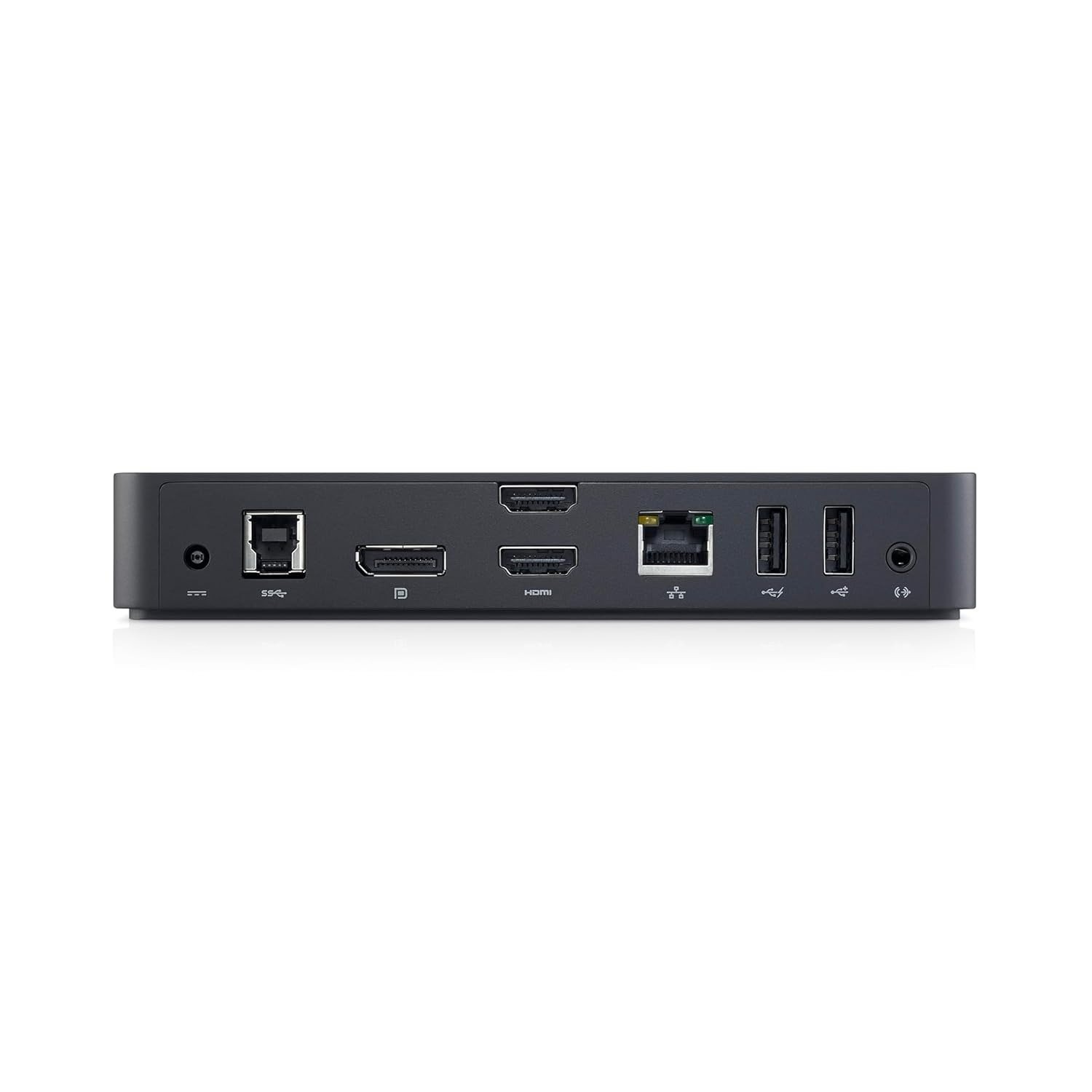
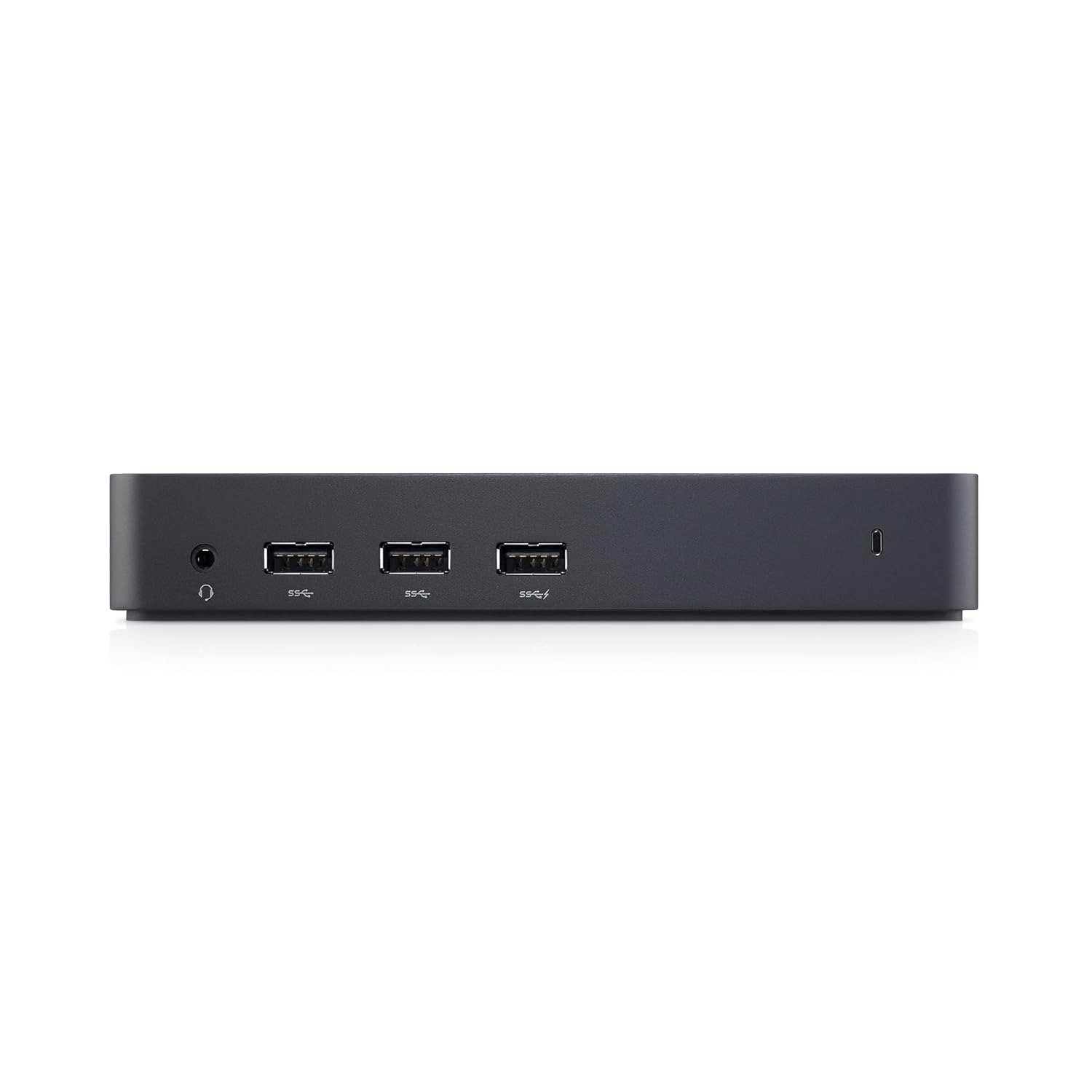
Using a single USB 3.0 connection, the D3100 transforms your laptop into a full desktop workstation with HDMI and DisplayPort video outputs, multiple USB ports, Ethernet connectivity, and audio support. It delivers smooth Ultra HD video output and stable data transfer, reducing cable clutter and simplifying desk setups.
Compatible with a wide range of laptops and operating systems, this docking station is well-suited for office environments, enterprise deployments, and remote workstations. Built with Dell’s enterprise-grade reliability, the D3100 offers consistent performance, flexible connectivity, and a clean, efficient solution for users who demand expanded display capability without compromising stability.
Product Specifications
| Specification | Details |
|---|---|
| Brand | Dell |
| Model | D3100 |
| Product Type | USB Docking Station |
| Interface | USB 3.0 |
| Display Support | Triple Display |
| Maximum Resolution | Ultra HD |
| Video Outputs | HDMI, DisplayPort |
| USB Ports | Multiple USB 3.0 |
| Ethernet Port | Yes |
| Network Speed | Gigabit Ethernet |
| Audio Support | Headphone & Mic |
| Charging Support | Limited (No Laptop Charging) |
| Compatibility | Windows Systems |
| Operating Systems | Windows |
| Usage Type | Professional & Enterprise |
| Installation | Plug & Play (Driver Required) |
| Build Quality | Enterprise Grade |
| Workspace Use | Office & Home |
| Form Factor | Desktop Dock |
| Color | Black |
FAQ’s
Q1: How many monitors can the Dell D3100 support?
It supports up to three external monitors simultaneously.
Q2: Does this docking station charge the laptop?
No, it does not charge laptops; it is designed for connectivity and display expansion.
Q3: What type of connection does it use?
It connects via USB 3.0, not USB-C or Thunderbolt.
Q4: Is this compatible with macOS?
It is primarily designed for Windows systems.
Q5: Is driver installation required?
Yes, driver installation is required for full functionality.
Reviews
There are no reviews yet.